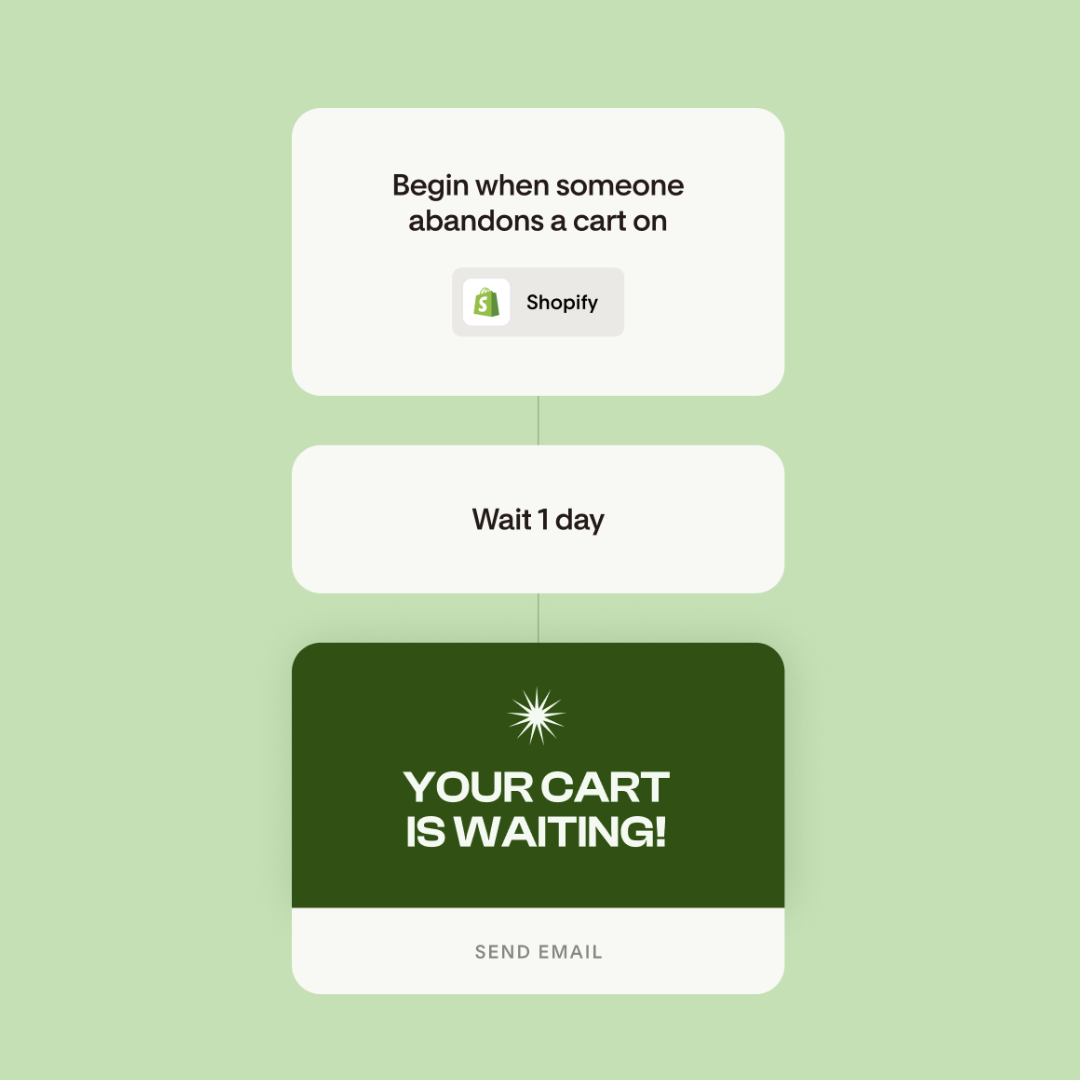
A new era of workflows in Flodesk
Table of Contents Jump to:
Jump to:
Table of contents
Email automations should grow with your business, not become harder to manage as you scale.
Enter the newest workflow features in Flodesk. You can now make your automations more responsive, more flexible and easier to scale, all in the intuitive builder you love.
Here’s what’s new and why it matters.
Instant condition steps: respond right when subscribers take action
Workflows can now move subscribers to the next step instantly, without needing a time delay.
Just add a condition step that watches for an action within a set time frame—like clicking a link—then immediately sends the next email.
For example, let’s say you just delivered a free download. You can now set a condition step for a click on the download button in that email.
If a subscriber clicks within your set timeframe, they’ll move to the “yes” path right away. From there, you might wait one hour to send a follow-up email asking how they liked it.
If they don’t click in time, they simply move on to the “no” branch. No unnecessary waiting, no extra emails.
This makes workflows feel more timely and intentional, and less pre-scheduled and rigid.
Multiple triggers: start the same workflow different ways
Starting a workflow is now way more flexible.
Add up to six triggers to a single workflow so subscribers can enter from different sources (segments, forms, etc.), without having to duplicate your automations.
Each trigger can also send its own unique email. For example, someone who opts in through your website might get a general welcome email, while someone who signs up at an event gets a message about that specific experience.
After those first emails, all paths reconnect to the same workflow. If a subscriber qualifies for more than one trigger, the left-most one wins.
The result? Fewer duplicate workflows and more relevant messaging.
Advanced filters inside workflows
Workflows can now make smarter decisions using the same advanced filters you already use to segment your audience.
Layer multiple filters inside a “yes” or “no” condition, like open rate and click rate, and choose whether subscribers need to meet all or any of the conditions.
This allows you to move subscribers through your workflows based on engagement. For example, you could treat your most-engaged subscribers to bonus content or special offers.
Workflows can also take action automatically based on these filters, like adding those highly subscribers to a “Biggest Fans” segment. Over time, your audience stays better organized without manual cleanup.
Multi-branch steps: go beyond ‘yes’ and ‘no’
Not every subscriber journey fits neatly into two paths.
You can now send subscribers down different paths based on custom fields, segments or percentages.
Subscribers are evaluated left to right and enter the first branch they qualify for. That way, they only ever take one path and don’t receive duplicate emails.
If you want to test what works best, percentage splits let you divide subscribers evenly or unevenly across multiple paths. Subscribers are assigned randomly, and Flodesk automatically balances the split in real time to match your percentages.
Auto rejoin keeps workflows clean
After any split, subscribers now automatically rejoin the main workflow—whether it’s a “yes/no” condition or a multi-branch step.
This means:
- No duplicated steps or emails
- No endlessly growing workflows
- No cluttered, hard-to-read automations
If you want to stop subscribers from rejoining, you can add an Exit step inside a branch. Otherwise, they’ll simply flow back into the main path.
Built to scale with your strategy
These aren’t just individual improvements. Together, they fundamentally change how workflows behave.
To recap, you can now:
- Respond instantly to subscriber behavior
- Start one workflow from multiple entry points
- Personalize paths with engagement data
- Experiment without messy setups
- Keep workflows clean, readable and scalable
That’s why this launch truly represents a new era of workflows. One where your automations evolve alongside your business, so your growth fuels itself.
Ready to create your most powerful workflows yet?
Ready to create your most powerful workflows yet?

Related Articles