Your AI tools now connect to Flodesk.

Your AI tools now connect to Flodesk

Connect to Claude, ChatGPT and more with Flodesk MCP. Ask about your emails, reach the right subscribers, and manage your list—all through a conversation.
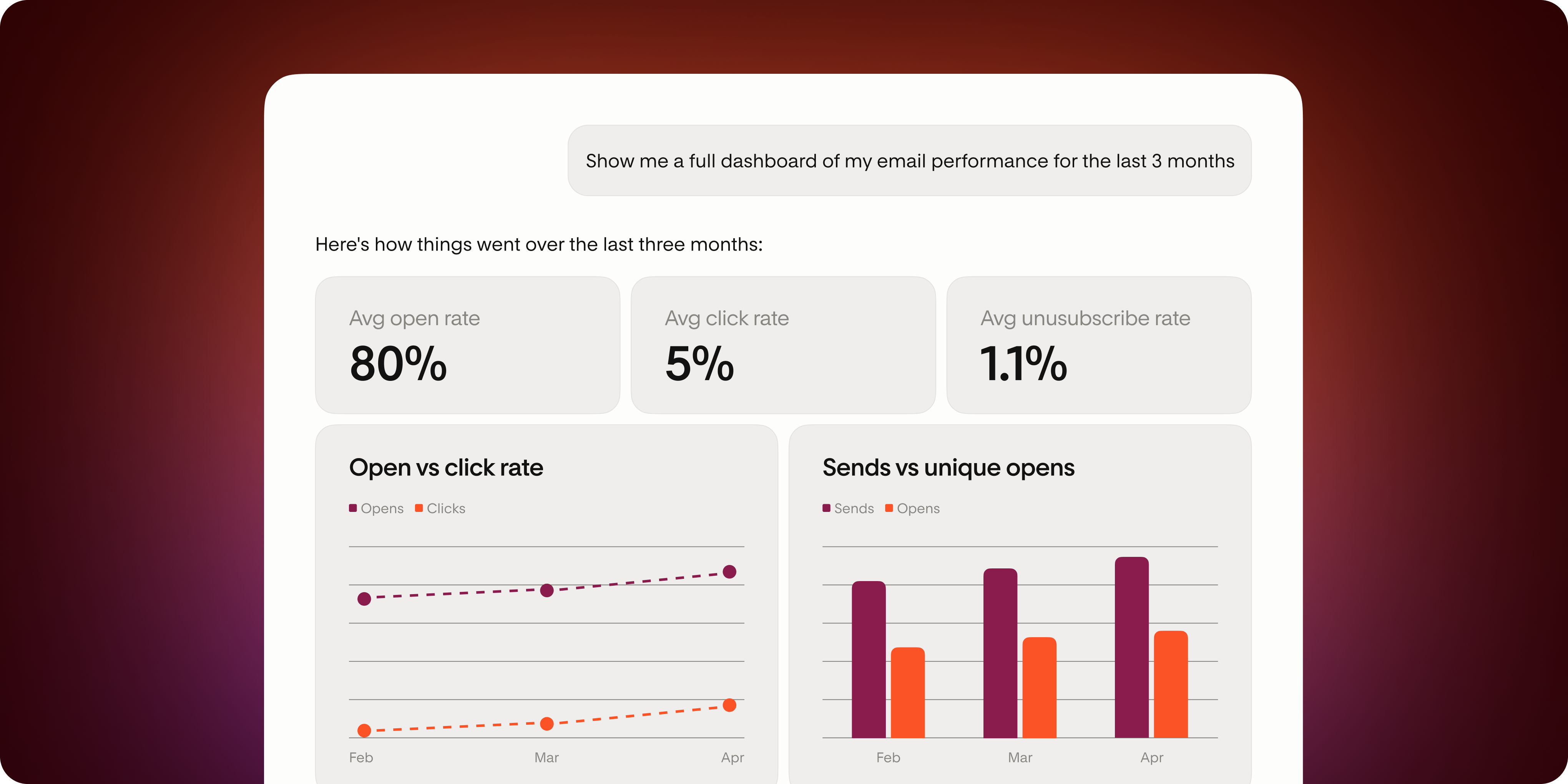
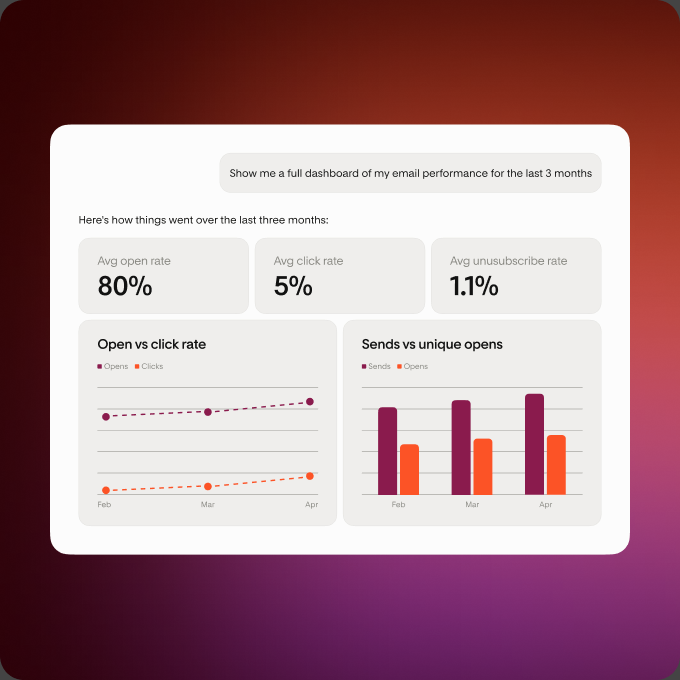
Flodesk email performance dashboard shown in an AI chatFlodesk email performance dashboard shown in an AI chat

It works with your favorite tools

Claude

Claude

ChatGPT

ChatGPT

and more

A few steps and you're in
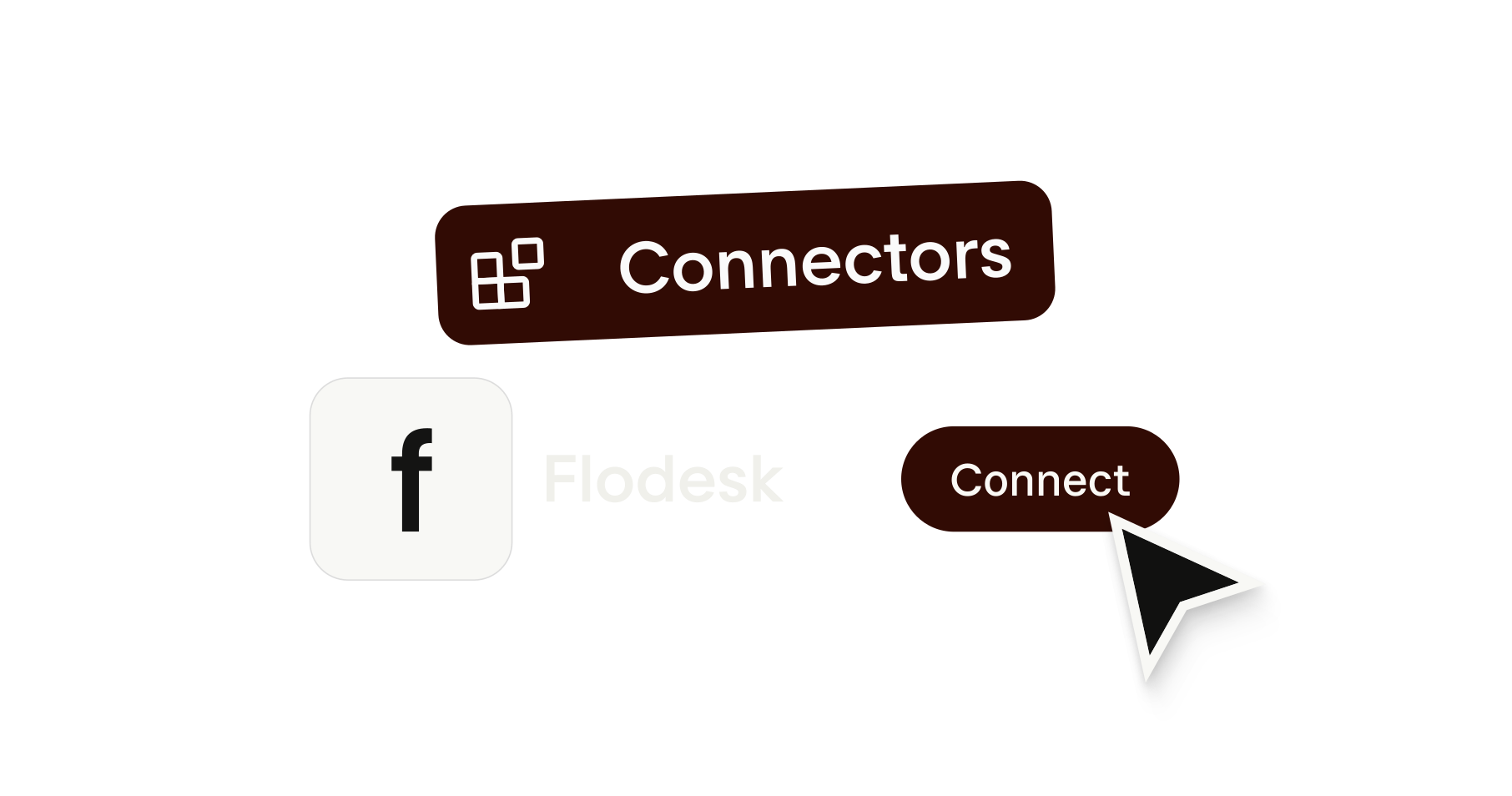
Connect in minutes

Open your AI tool of choice, add the Flodesk MCP connector, and log in to your account. No code, no complicated setup, just a few clicks to get started.

Need more help? We've got you.

Step-by-step setup for every AI tool we support lives in our Help Center.

Learn more

Real answers about your business. So you always know what to do next.

Ask about your emails, your subscribers, and your sales. Find out who's engaging and what's working. Manage your list from a single conversation. Everything you've wanted to know is already in your Flodesk account—now you have a faster way to get to it.

Real questions. Real answers.

Show me a dashboard of my Flodesk account

What was my best performing email, form and checkout this year?

How many active subscribers do I have in Flodesk?

Which of my Flodesk segments has the most subscribers?

How are my subscriber segments performing: open rates, click rates?

How did my last Flodesk email perform?

Who are my most engaged subscribers in the last 3 months?

Help me clean my list. Do I have unengaged subscribers, and how many?

Who clicked in my last email, and on which links?

You're always in control.

When you connect Flodesk to Claude and ChatGPT, you decide what it can see.

This is just the beginning

Email analytics and reporting

Ask about your emails, checkouts, forms, and workflows. Get a clear picture of what's working, what's not, and exactly where to focus, all within seconds.
Audience Segmentation & Subscriber Management

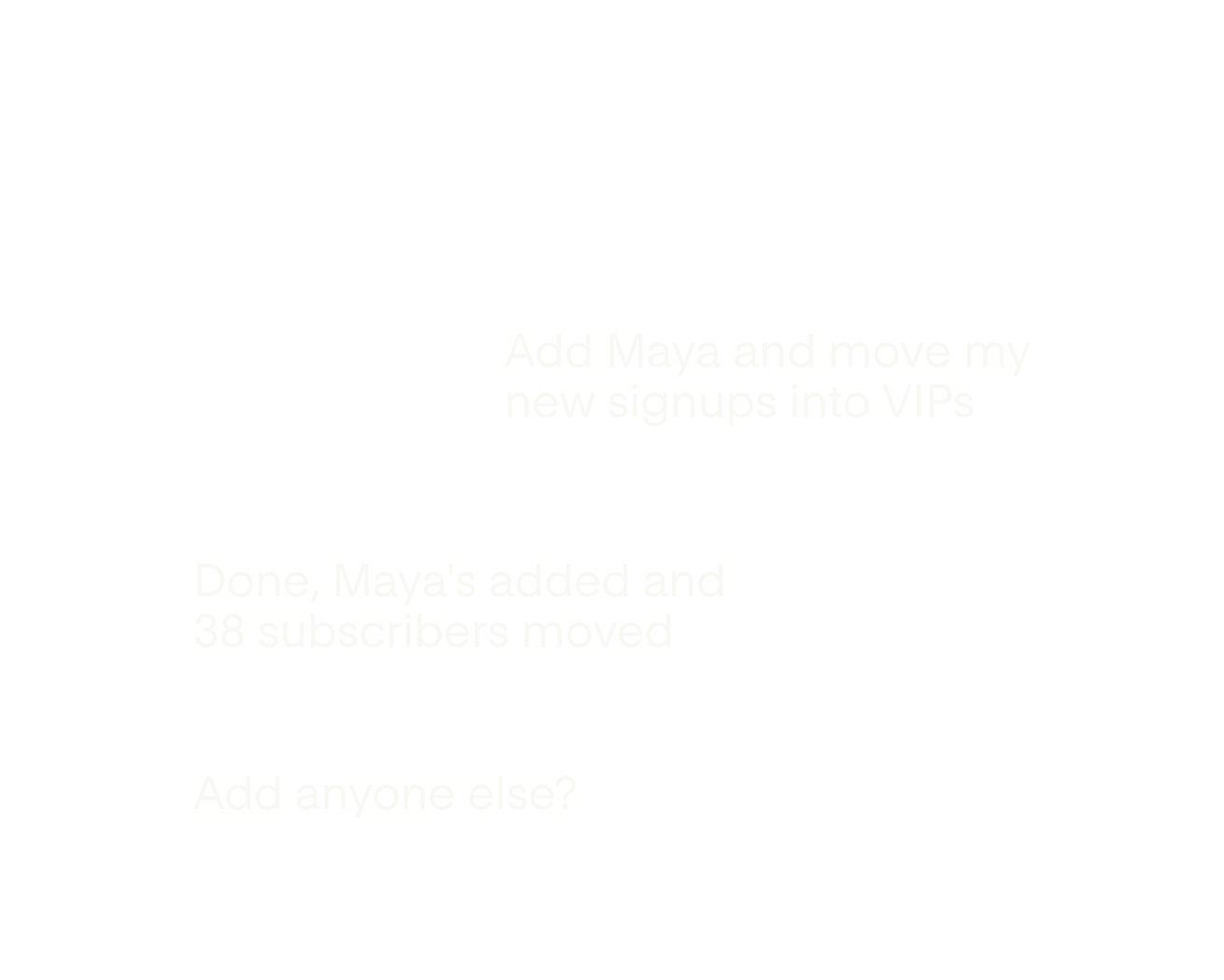
Ask about your subscribers and see exactly who's engaging. Add subscribers, update segments, and manage your whole list, all from a single conversation.

Full Control

Manage your entire Flodesk account through conversation. Create emails, run workflows, build forms, and process checkouts without touching a single menu.


FAQ

It connects your Flodesk account to Claude, ChatGPT, Gemini, and other AI tools so you can ask plain questions about your emails and get real answers—pulled directly from your account data. No exporting, no spreadsheets, no digging through dashboards.
MCP stands for Model Context Protocol—it's the open standard that lets AI tools read data from other apps when you ask it questions. A connector is the official one-click listing inside Claude or ChatGPT which you can find and activate just like an app in the App Store.
Yes—Flodesk has a Model Context Protocol (MCP). This integration allows compatible AI tools like Claude and ChatGPT to connect directly to your Flodesk account so you can ask about your email, your subscribers, and your sales.
It works with Claude, ChatGPT and any MCP-compatible AI tool, using a connector URL you add in your AI tool's settings.
Yes—this is currently included for Flodesk members at no additional cost.
Yes, AI tools can make changes to your Flodesk account. You stay in control of which AI tools connect to your account and what they're allowed to do.
Copy your Flodesk MCP URL from your account settings and paste it into your AI tool's connector settings—it takes about two minutes. Log in to your Flodesk account and authorize the connection with your AI tool. Once connected, you're ready to ask.
Anything you'd normally have to dig through your dashboard to find—open rates, click rates, sales, form performance, subscriber growth, workflow results. Check the prompt examples on this page for ideas, or start typing and see what comes back.
The next phase will enable more control to grow your list to the next level—like managing your entire Flodesk account via AI; creating and sending emails, workflows, forms, and checkouts; automating your newsletter pipeline; and more. We'll keep this page updated as more features go live.